sydneysiders sydneysiders

December 2011 Desktop Screenshots

December 2011 Desktop Screenshots

time to deck the halls... not the relatives..

How did it get to December so fast....the year has flown...

the time of year we love the most... more excuses to decorate and customize...

this is my favourite of Ton's beautiful Christmas walls... with Sakura coloured & textured... Christmas colours with a twist....

A happy and safe Christmas to all Wincustomizers/Stardockians and their families... and hopefully, a peaceful & prosperous New Year...  :)


269,732 views 112 replies
Reply #26 Top

Quoting JuniorCrooks, reply 24
Thanks Starcandy and Doc.

Seth just a side note that everything is copacetic. Sporting a couple scars I never had before but all is well. I know you probably been wondering.

Yes.... but "waiting is." ... "The fullness of time."  You grok? 

Reply #29 Top

Quoting ernie, reply 1
Lovely desktop sydney......

thanks ernie  :)

Quoting Ton-K300, reply 8
..and a very Merry Christmas to you and your family Syd, good New Year

thanks Ton... looking forward to more of your beautiful creations next year....  :sun:


Reply #30 Top

WB: Zing by JJ Ying
Tiles: Zing by me
RightClick: Zing by me
Walls: 'Merika and TheChive by me

Sod Xmas. It's the same boring shaite every friggin year.

Reply #33 Top

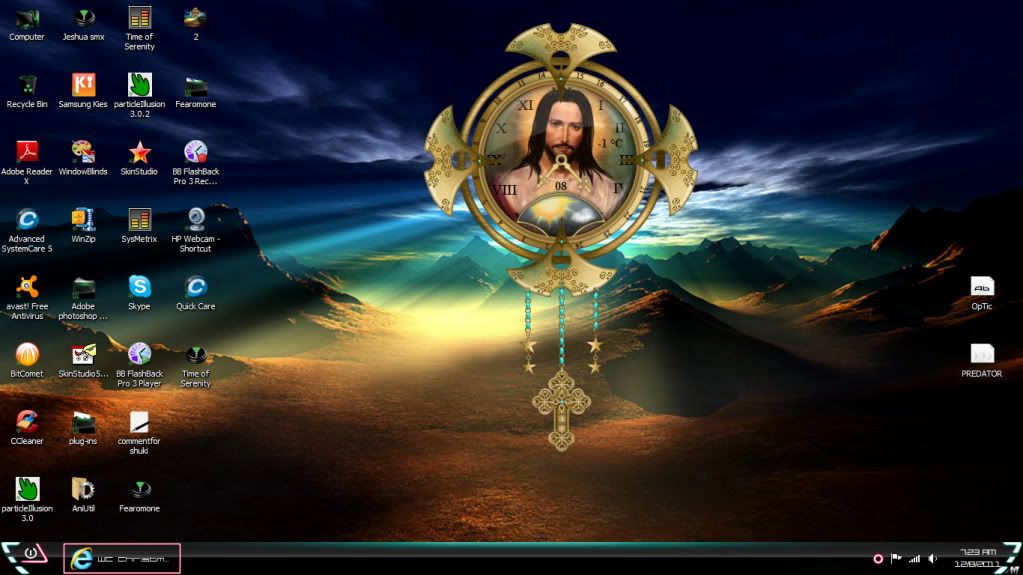
Time of Serenity sysmetrix by me.

wallpaper via the internet, the lords prayer .

Reply #34 Top

k6 k6

Reply #35 Top

Here's my X-mas 'Desktop'. Its a bit funky though. I used it to get some perspective on my new Xmas smx. Note the border around it. How do I get rid of that? So far its Untitled. Anyone want to put a name to it? I had to resize it. Photobucket didn't like the 1.07 mb file size.

Reply #36 Top

Reply #37 Top

[quote who="Vampothika" reply="33" id="3036370"]Time of Serenity sysmetrix by me.

wallpaper via the internet, the lords prayer .
Could you possible post a link to that wall


Here is the wall I am using for Christmas found on internet


Reply #38 Top

OldMsgt isnt that wall from the  upcomming DiabloIII...? Lovely screenshots so far- i must say since i never did so before- that without you boys and girls wincustomize would be only half the fun- its mindblowing with what setups some members guests come up with  <3  love it... Im not always particapating but i watch the topic from my dark corner everytime :ninja:   i have 2 new favourite designers when it comes to desktops and gadgets ernie leo and JuniorCrooks you guys are truely inspiring.

Reply #39 Top

Quoting Roloccolor, reply 38
OldMsgt isnt that wall from the  upcomming DiabloIII...? Lovely screenshots so far- i must say since i never did so before- that without you boys and girls wincustomize would be only half the fun- its mindblowing with what setups some members guests come up with   love it... Im not always particapating but i watch the topic from my dark corner everytime   i have 2 new favourite designers when it comes to desktops and gadgets ernie leo and JuniorCrooks you guys are truely inspiring.

Here is link to where I found wall

http://www.google.com/search?q=lords+prayer+wallpaper&hl=en&client=firefox-a&hs=b5j&rls=org.mozilla:en-US:official&prmd=imvns&tbm=isch&tbo=u&source=univ&sa=X&ei=wwbhTtW2HcKWiQLDwMHrDg&ved=0CCUQsAQ&biw=1755&bih=778


Reply #42 Top

 "Note the border around it. How do I get rid of that?"

Uvah there are easier ways to do it probably but what I do is open the main graphic in PS and fill it with magic pink. Then I take the graphic and paste it on the MP background and save it as BMP. That will be your background image. Make sure you have copy desktop background for pseudo transparency checked and set your main graphic before everything else in the settings. I do it this way and don't have a issue with those transparent borders. So in other words your main graphic image is both your background and the graphic you use on top of the background. The only difference is the background image uses magic pink and the graphic png file has a transparent background. They are the same image so the size is the same. If the size was different it would also cause a border issue. I think I done a crappy job explaining that but I know you will figure it out.


Reply #43 Top

Thanks JC. Only reason I don't use magic pink is because I've had issues with it before. I use a solid color background and set the config for pseudo transparency. With the corners as they are the background is necessarily larger than the image.

Reply #44 Top

I hate to tell you but that is why your seeing those borders. If you use any color but MP it will some times cause a conflict because the setting is not enough to make it 100% transparent. For some reason I have notice it more on some wallpapers then others. Only MP works for me if I want it to be 100% transparent. The only time it does not work all that great is when there are drop shadows involved. Anyway that has been my experience but maybe someone like kitty could help you better because she makes a lot of sysmetrix skins and is better with graphics than I am.

Reply #46 Top

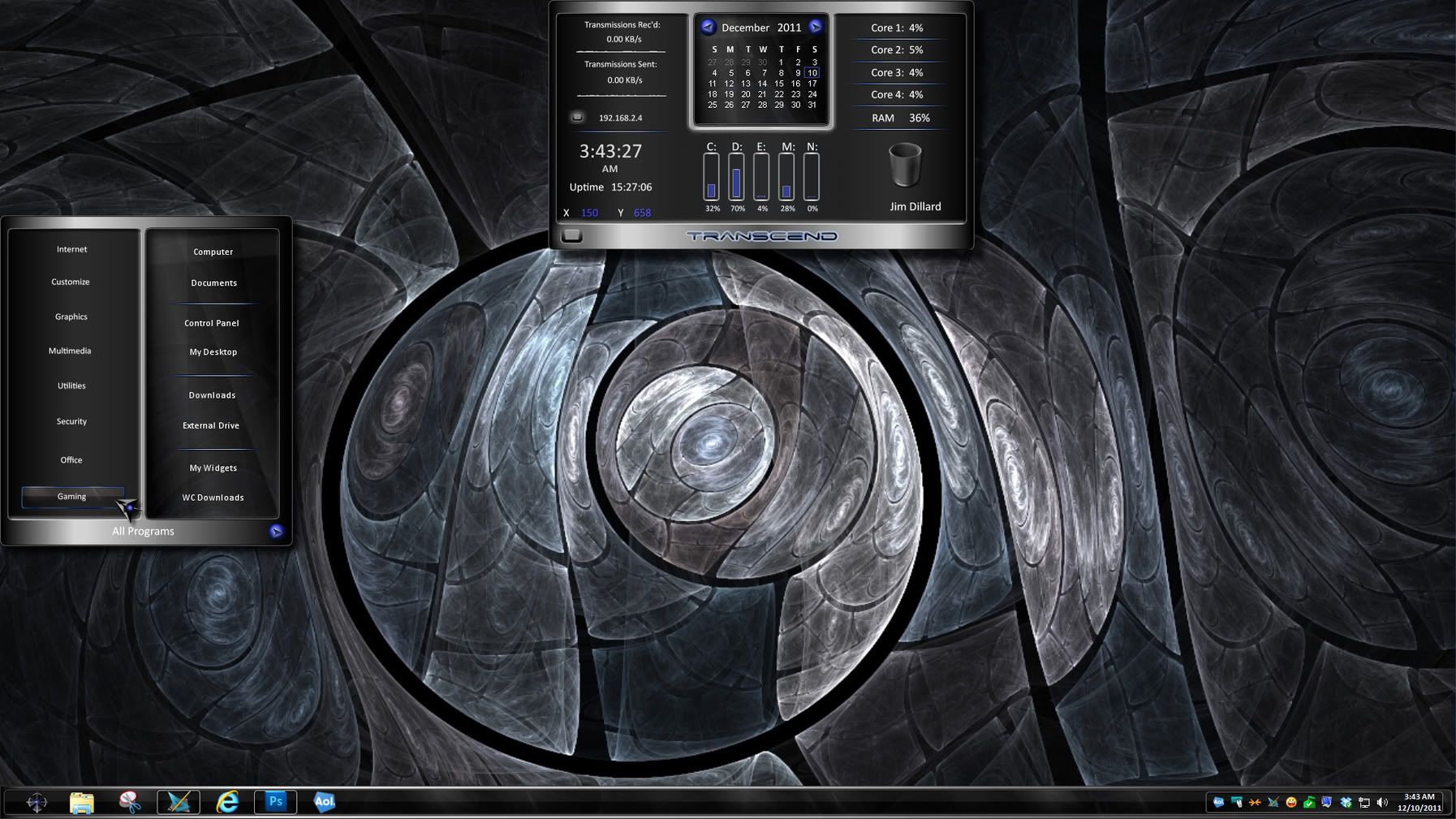
That's very interesting RedneckDude, what are we looking at?  Yes I know a DX Theme, the name of the skin. 

Reply #47 Top

@Philly:

Transcend

Reply #48 Top

Sweet Shot Jim !!!!!!!!!!!!!!!

Reply #49 Top

Quoting DrJBHL, reply 47
@Philly:

Transcend

Yeah, I actually knew what the skin was Doc, just making sure others did.  :sun:

Reply #50 Top

Hanukkah and Friends wba (k10w3), and dream (CG1):