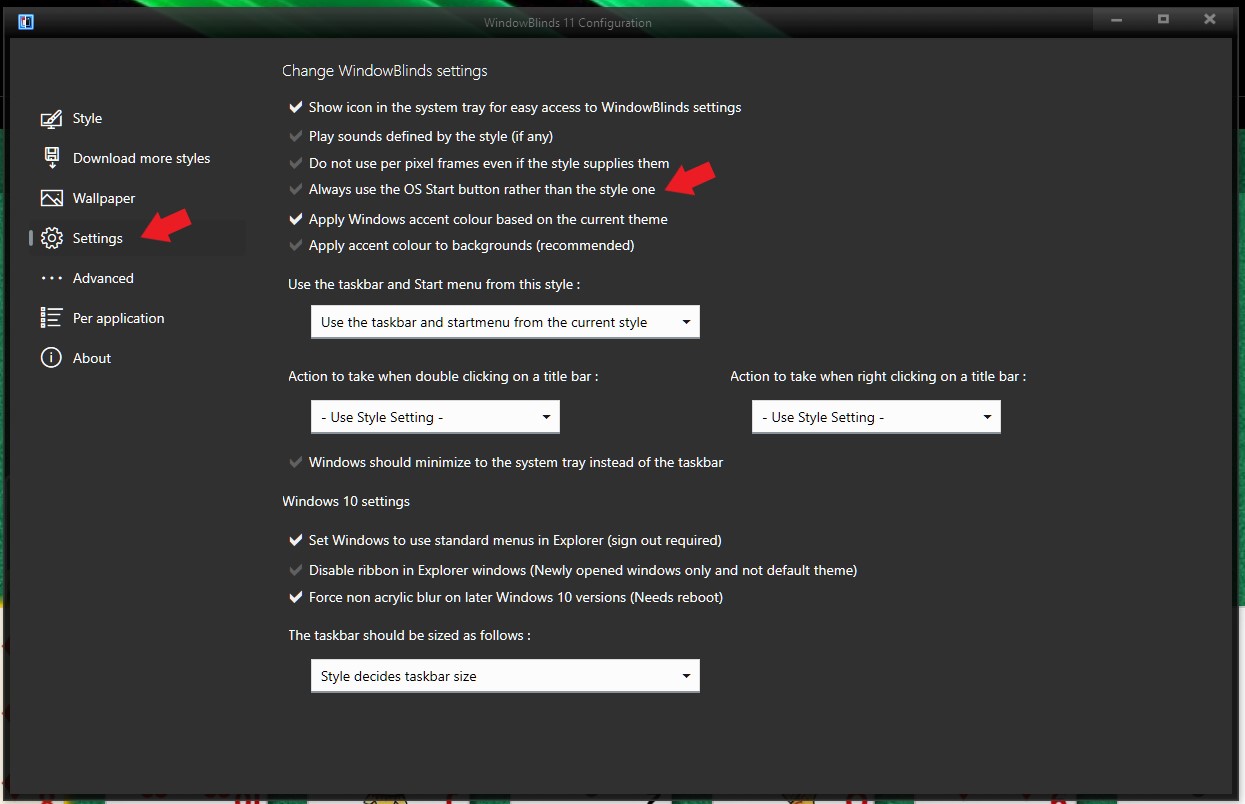
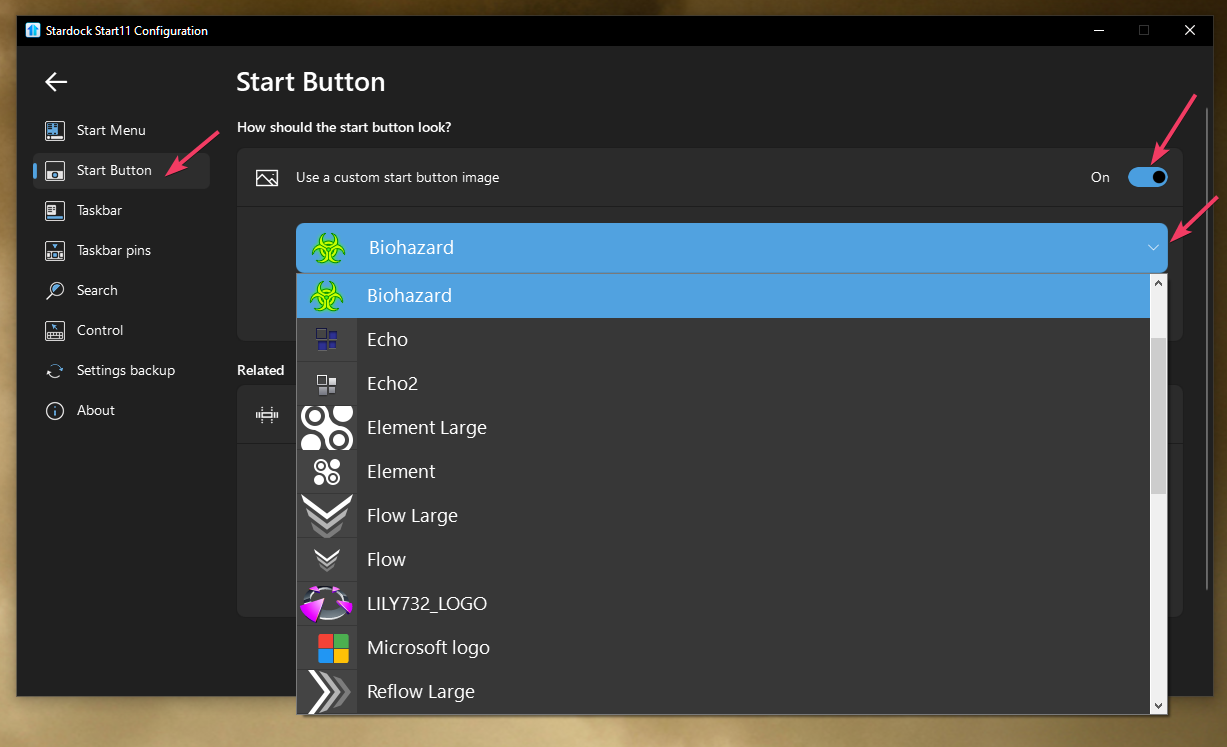
Need help changing Start Button on official Stardock Windows Classic Skin
 Stardock Forums
Everything about the Stardock "Windows Classic" skin is perfect.... except for the fat eyesore non-standard windows logo button.
Attempting to change the .tga image with the official Win95 Start Button in Skin Studio completely breaks the skin, seemingly random elements.
I purchased Start11 on Steam specifically to get the "small taskbar" option for the classic windows feel, but can't use the skin I want from Stardock themselves because of that enormous, hideous button. Upsetting and frustrating!
I know there is the "Windows 98 Classic" skin on WinCustomize I could use, but I prefer the Windows 95 solid blue look, and that skin also doesn't play well in File Manager windows unlike the Stardock Windows Classic skin, which was designed to work perfectly with them.
All I want is the same exact skin but using the "small" original Win95 button. Can anyone help me?

https://i.ibb.co/sv7VcDQW/stardockscreenshot.jpg
(copy paste the image link in browser to see what I mean)