


Icon-A-Day: making the final IconPackage!
A video wrap up and guide to making our final IconPackage
 WinCustomize Forums
| Making the final IconPackage. So, its been several months now since we started working on the Icon-A-Day project. I have officially finished all of the icons as of yesterday. However I still have several icon tutorials to post, but they can come out over the next few days. The icons are done, and that means its time to make the Final IconPackage. To make the final Icon-A-Day IconPackage, I am using two programs, IconDeveloper 1.1 and IconPackager 3.0. Both of these programs are pretty cheap, considering how much the software I used to design the icons cost, and besides, if you own Object Desktop you already have them. Rather then do a step by step image tutorial I have recoded a video showing the entire process of assembling the pack. I will sum it up here but make sure you watch the video. | ||
| Step 1: First I use IconDeveloper to batch convert all the PNG's we have made; 119 of them if you can believe it. This allows us to quickly make Windows XP style icons in all the resolutions we want. (Watch the Video for more)
|
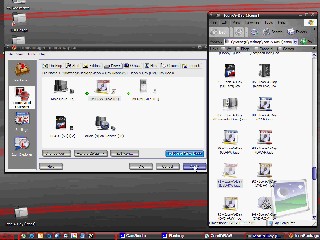
Step 2: Now we use IconPackager 3.0's new Package Builder to quickly drag and drop all of our icons into their proper places. |
Step 3: And last but not least we save our pack, as well as go through and make some personal tweaks to make use of some of our bonus icons. |
| Click Here to Download the Final IconPackager Pack! | ||
|
This brings us to the end of the Icon-A-Day tutorial series. I will be posting a few more tutorials that got skipped, but they will all be linked in the Icon-A-Day Index. I might even be posting a few more bonus icons in the future, as requests come in. | ||


.jpg)


.jpg)